
Karaoke · Acapella
AI vocal remover: the karaoke track and the acapella of any song
Oh the tide comes in, the tide goes out
That's what a slow day is about
Upload a song and get two tracks back: the instrumental to sing over and the vocals on their own. Switch between them, shift the key or tempo, then download. The split is very good but not perfect: reverb tails and backing vocals can leave faint traces. Sign up and confirm your email to get a one-time free balance: 1 min of audio. One credit is one minute of audio.
Vocal remover
You get two tracks: the instrumental (karaoke) and the vocals (acapella). One credit per started minute.
- Price
- One credit per started minute
- Length
- —
- This song
- —
- MP3, WAV, M4A, FLAC or video
- Songs up to 20 minutes
- One credit = one minute of audio
- Uploads deleted after a day
Examples
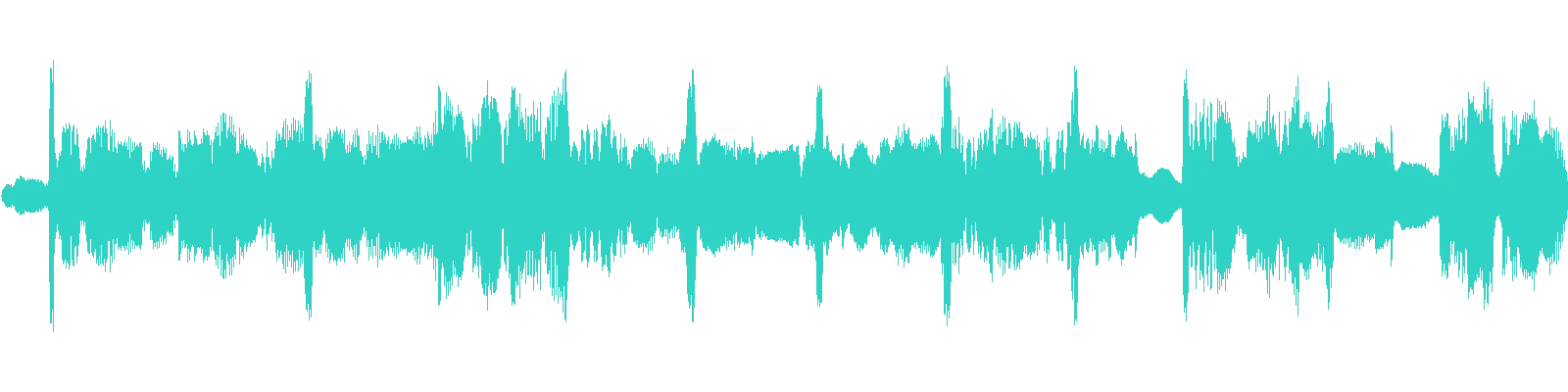
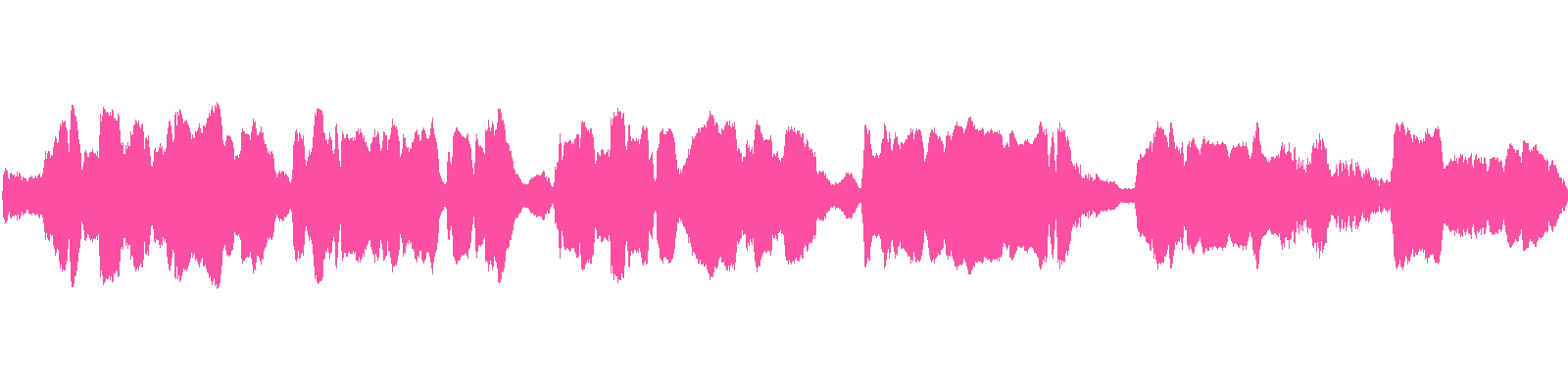
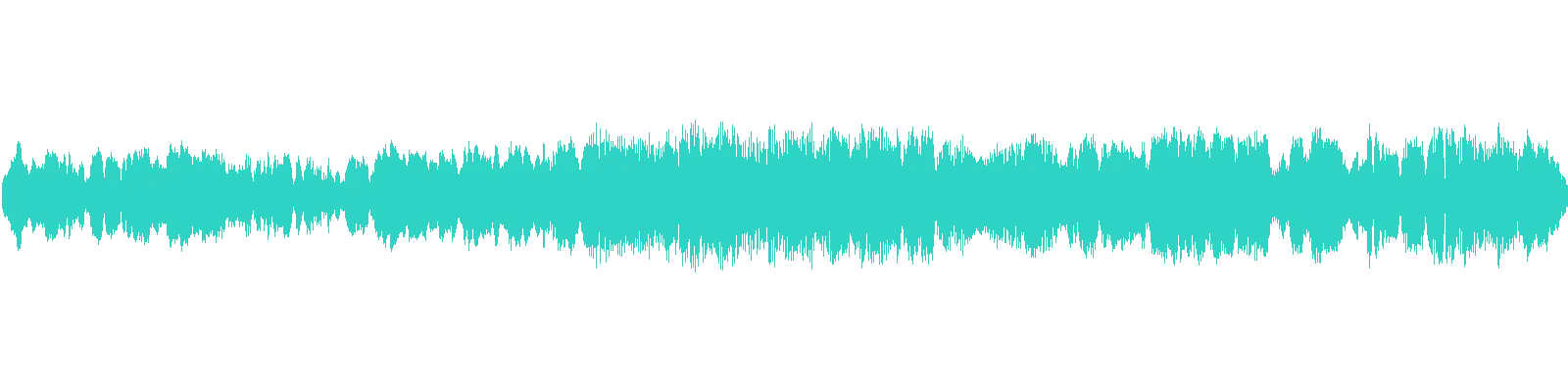
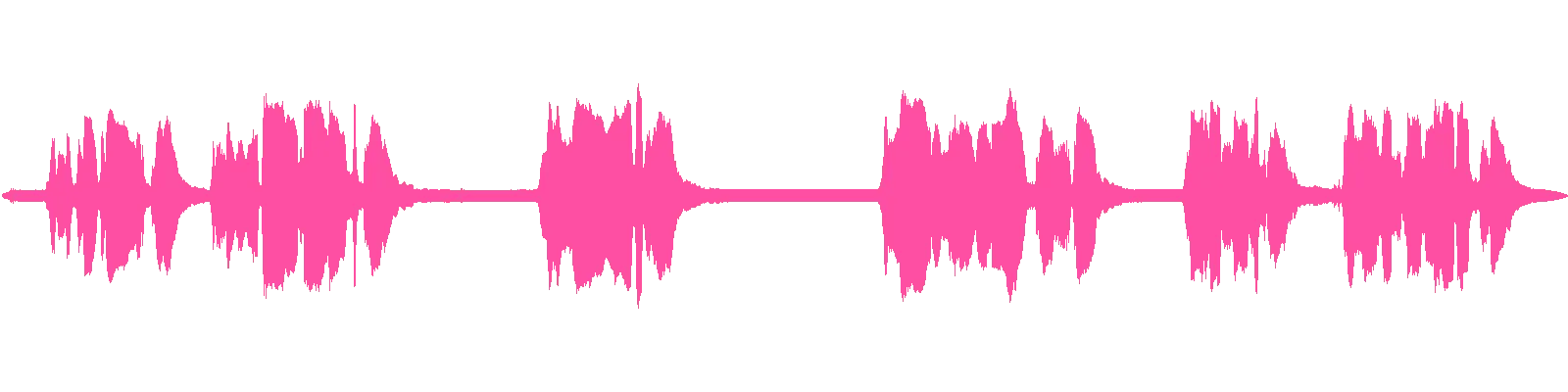
Listen before you upload
Each example is a song we made ourselves, with our own lyrics, split by one run of the live job with no editing afterwards.
Tools
One upload, two tracks, three ways to use them
Every job gives you the instrumental and the vocals. The price for the whole song shows before you start.
Karaoke maker
Take the vocals out of a song and sing over the instrumental. Shift the key or tempo to fit your voice, then download the mix as WAV.
More about Karaoke makerAcapella extractor
Keep only the singing: a vocal track on its own for remixes, covers, transcription or studying a performance.
More about Acapella extractorRemove vocals from video
Drop an MP4, MOV or WebM file. The video stays in your browser and only its audio is uploaded, so you get the music without the singing.
More about Remove vocals from videoAll tools: Karaoke maker · Acapella extractor · Remove vocals from video
How it works
How to remove vocals from a song
- 01
Upload a song
Drop in an MP3, WAV, M4A or a video. From a video, your browser takes out the audio and only that is uploaded. Confirm that you own the song or have permission to process it.
- 02
Remove the vocals
Press Remove vocals. The price for the whole song shows before you start, and a song usually takes 10 to 30 seconds.
- 03
Play the karaoke desk and download
Switch between the instrumental and the vocals, blend in a guide vocal, shift the key or tempo, then download both tracks as MP3 or your karaoke mix as WAV.
Good to know
What it does well, and what you get back
The split is very good but not perfect. Reverb tails, heavy backing vocals and doubled vocals can leave faint traces in the instrumental.
Works best on
- Pop, rock and hip-hop songs with one clear lead vocal
- Karaoke and sing-along tracks for practice or a party
- Acapellas for remixes, covers and transcription
- Music videos and clips where you need the music without the singing
What you get back
- Two tracks as long as your song: instrumental and vocals
- MP3 downloads of both, plus your karaoke mix as WAV
- A player that switches between them, with key, tempo and guide vocal
- Credits back automatically if a job fails
Before you upload, see minutes and credits on the pricing page, how to remove vocals from an AI assistant, which songs you may upload or where to get help.
Pricing
Plans for weekly singing, a pack for one big night
Sign up and confirm your email to get a one-time free balance: 1 min of audio. One credit is one minute of audio. Make karaoke tracks every week? A plan gives you the cheapest minutes and tops up each month. Getting ready for one party or one set? Buy the pack once and keep its minutes for as long as you like.
Monthly and yearly plans
Sing-Along
A few songs a week for practice or karaoke night.
$7.49/ month
148 credits a month
≈ 148 min monthly
- A new batch of credits monthly, good for 31 days
- No watermark
Backing Track
Karaoke hosts, cover makers and music teachers with a song list every week.
$16.69/ month
343 credits a month
≈ 343 min monthly
- A new batch of credits monthly, good for 31 days
- No watermark
Credit packs
Pay once, nothing renews. Pack minutes stay until you use them, at a higher rate per credit than a plan.
Party Playlist
A whole party's song list, with minutes that never expire.
$35.45one-time
689 credits · 5.15¢ per credit
≈ 689 min of songs
- Credits never expire
- Full-length downloads, MP3 and WAV
- No watermark
Credits per minute of audio
A job costs the rate below times the song length, rounded up to the next whole minute.
| Job | You get | Credits / min | A 10-minute file |
|---|---|---|---|
| Vocal removal | Instrumental + Vocals | 1 | 10 |
Bought the wrong thing? Ask for a refund within 10 days, as long as 10% or less of the purchase's credits are spent (for a yearly plan, measured against the whole year). We return the share you did not use. Renewals are not refundable.
Not sure where to start? Try the vocal remover on the home page.
For refunds and assistants, read the refund policy, how to connect an AI assistant or ask support.
FAQ
Vocal remover questions
Is the vocal remover free?
You can try it for free. Sign up and confirm your email to get a one-time free balance: 1 min of audio. Each started minute of audio costs one credit, with no watermark on any download. The studio can cut a 60-second clip of any song, so you can try a song for a single minute.
How do I make a karaoke version of a song?
Upload the song, press Remove vocals and play the Instrumental track. Shift the key or tempo to suit your voice, keep a little guide vocal if you like, and download the karaoke mix as WAV. Key and tempo changes run in your browser and use no credits.
Can I get just the acapella?
Yes. Every job gives you the vocals track as well. Switch the player to Vocals and download it as MP3.
Why can I still hear a little vocal?
AI separation is very good but not perfect. Reverb and echo tails, heavy backing vocals and doubled vocals can leave faint traces in the instrumental. Songs with one clear lead vocal split the cleanest.
Can I change the key or tempo?
Yes, for free in your browser: move the key up or down by up to 6 semitones and set the tempo from 70% to 130%. You hear the change live and can download the result as WAV.
Is my file kept?
Your upload is private and deleted after a day. The two tracks stay for 7 days so you can download them again, and you can delete any job at once in My songs.
Can I upload a song I don't own?
Only audio you own or have permission to process, and you confirm this before every job. Splitting a song gives you no rights in it: personal practice use depends on your local law, and publishing or selling a separated track needs the rights holder's permission. We never fetch songs from YouTube, Spotify or any link.
Which formats can I upload?
MP3, WAV and M4A upload as they are (MP3 up to 60 MB, WAV and M4A up to 95 MB). OGG, FLAC, AAC and video files (MP4, MOV, WebM) are decoded in your browser, and only the audio is uploaded. Songs can be up to 20 minutes.
Last updated: